
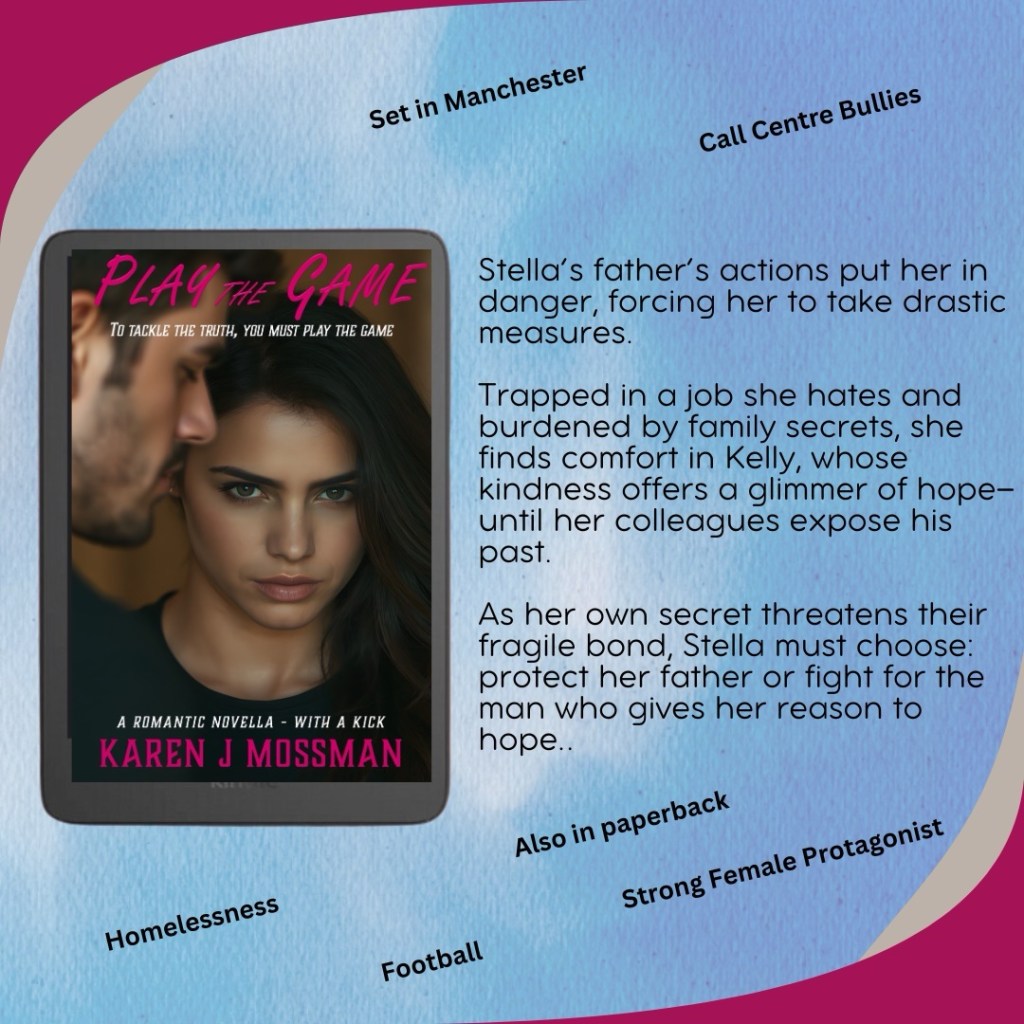
When I was writing Play the Game, I used a program called Scrivener. Has anyone heard of it? I only ever used it for that one book.
In Word, you have a document—pages that run one after the other. With Scrivener, it’s one project with separate folders down the side of the screen. You can access each folder without leaving the program, and it opens right in the main document window. It’s quite similar to Microsoft OneNote, if you’ve ever used that.
In the folders, you keep all the information related to your book. There are some default folders like ‘Whole Document,’ ‘Outline,’ and ‘Chapters.’ The rest you can name and use however you like.
For example—character profiles, research, plot outlines, character photos, pictures of places—anything that relates to the story. It’s a great way to plan a book and know exactly where you’re going.
That’s how I wrote Play the Game. I wrote the scenes as they came to me. That part was fun because they were all the exciting and emotional ones—and there were a lot of those!
The serious work came afterward when I had to join them together and make sure everything flowed. I was very happy with Stella and Kelly’s story. I incorporated a lot of my own experience—namely, the call centre, which I disliked, as much as Stella does!
However you work, it’s always fun to try something different. One day, when I write something new, I’d like to try this method again. Only this time, I’ll use OneNote, as I’m more familiar with Microsoft now.
 World of Stories